

  1. Fetching authentication parameters - Gmail uses OAuth 2.0 for authentication and so no parameters are required upfront.
  2. Collecting those parameters from the user - No collection is required as no parameters are required upfront.
  3. Initiating a connection - Initiate a connection with the redirect URL. (No parameters are required to be sent in the body)
  4. Handling the OAuth flow - Redirect the user to the URL received in step 3.
  5. Verifying the connection status - Check that the connection was successful
1

Fetching Authentication Parameters

from composio import ComposioToolSet, App
toolset = ComposioToolSet()

response = toolset.get_expected_params_for_user(app=App.GMAIL) # can use integration_id instead of app

print(response["expected_params"])

Gmail uses OAuth 2.0 for authentication, which requires a redirect URL to handle the OAuth callback.
While Gmail doesn’t require any upfront parameters from the user, we’ll demonstrate the parameter fetching step to show the complete flow.

Parameters to fetch from the user

[]
As stated in the output, you don’t need to fetch any parameters from the user. So we can directly initiate the connection.
2

Initiating a Connection
# This is the URL that the user will be redirected to after completing the authentication process
redirect_url = "https://yourwebsite.com/connection/success"
# this is only useful for oauth based flows involving redirect based authentication. 

entity_id = "Jessica"  # This is the unique identifier for the user

# Initiate the connection
connection_request = toolset.initiate_connection(
    entity_id=entity_id,
    app=App.GMAIL,
    redirect_url=redirect_url,
)


if connection_request.connectionStatus == "INITIATED":
    print(connection_request.redirectUrl)
    # complete the connection by redirecting the user to the redirectUrl
    print("Connection Status should be active after user completes the authentication process, you can now test by fetching the connection.")
    
elif connection_request.connectionStatus == "ACTIVE":
    print("Connection Status is active, you can now test by calling the tool.")
    # active connection means the user has completed the authentication process. 
    # the API Key entered might still be invalid, you can test by calling the tool.
else:
    print("Connection process failed, please try again.")
This is what the output looks like:
# If connectionStatus is "INITIATED":
https://accounts.google.com/o/oauth2/v2/auth?client_id=...&redirect_uri=...&scope=...
Connection Status should be active after user completes the authentication process, you can now test by fetching the connection.

# If connectionStatus is "ACTIVE":
Connection Status is active, you can now test by calling the tool.
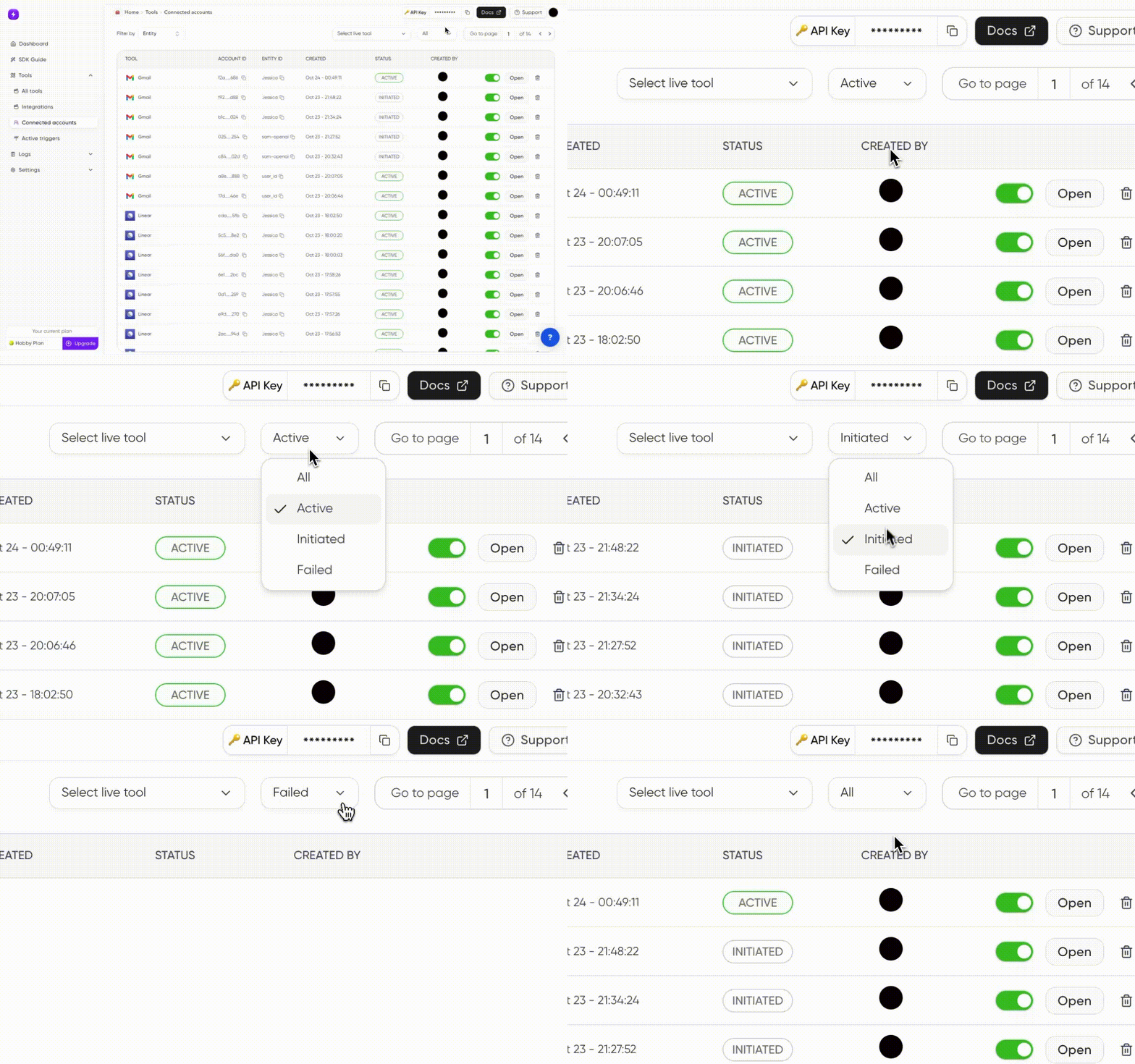
You can also see the dashboard for the connection status like this: Connection status
3

Get specific Connected Account

connected_account = toolset.get_connected_account(connection_request.connectedAccountId)
You can also see the dashboard for the connection status.
You have successfully Connected Your User’s Gmail Account!! 🎉

Next: Guide to Connecting Shopify Account (API Key)

Connect your users Shopify Account in similar fashion