

Guide to getting your user’s Shopify account connected using API Key
Fetching authentication parameters - Shopify requires an admin API access token and store subdomain for authentication.
Collecting those parameters from the user - Collect the admin API access token and store subdomain from your user.
Initiating a connection - Create a connection with the collected parameters.
Verifying the connection status - Check that the connection was successful by verifying the status.
1
Fetching Authentication Parameters
from composio import ComposioToolSet, Apptoolset = ComposioToolSet()response = toolset.get_expected_params_for_user(app=App.SHOPIFY) # can use integration_id instead of appprint(response["expected_params"])
[ExpectedFieldInput(name='admin_api_access_token', type='string', description='Your Admin api acess token for authentication which can be generated from your Shopify app settings. Create a Shopify app and configure the required scopes. You can access your app settings and generate the token by visiting https://admin.shopify.com/store/<store-name>/settings/apps/development', displayName='Admin Api Access Token', is_secret=False, required=True, expected_from_customer=True, default=None, get_current_user_endpoint=None),ExpectedFieldInput(name='shop', type='string', description="Your Shopify store's subdomain (e.g., your-store-name in your-store-name.myshopify.com)", displayName='Store Subdomain', is_secret=False, required=True, expected_from_customer=True, default=None, get_current_user_endpoint=None)]
As stated in the output, you need to fetch the admin_api_access_token and shop from the user.You can fetch from user via chat, ui, form, api, etc. We will use terminal based approach as example.
2
Asking the user for the parameters
expected_params = response["expected_params"]collected_params = {}if len(expected_params) > 0: for param in expected_params: user_input = input(f"Enter the value for '{param.displayName}', Description: {param.description}:\n") collected_params[param.name] = user_inputprint(collected_params)
3
Creating a Connection with Collected Parameters
# This is the URL that the user will be redirected to after completing the authentication processredirect_url = "https://yourwebsite.com/connection/success"# this is only useful for oauth based flows involving redirect based authentication. entity_id = "Jessica" # This is the unique identifier for the user# Initiate the connectionconnection_request = toolset.initiate_connection( connected_account_params=collected_params, # send collected params entity_id=entity_id, app=App.SHOPIFY, redirect_url=redirect_url,)if connection_request.connectionStatus == "INITIATED": print(connection_request.redirectUrl) # complete the connection by redirecting the user to the redirectUrlelif connection_request.connectionStatus == "ACTIVE": print("Connection Status is active, you can now test by calling the tool.") # active connection means the user has completed the authentication process. # the API Key entered might still be invalid, you can test by calling the tool.else: print("Connection process failed, please try again.")
This is what the output looks like:
Enter the value for 'Admin Api Access Token', Description: Your Admin api acess token for authentication which can be generated from your Shopify app settings. Create a Shopify app and configure the required scopes. You can access your app settings and generate the token by visiting https://admin.shopify.com/store/<store-name>/settings/apps/development:123Enter the value for 'Store Subdomain', Description: Your Shopify store's subdomain (e.g., your-store-name in your-store-name.myshopify.com):myshop{'admin_api_access_token': '123', 'shop': 'myshop'}Connection Status is active, you can now test by calling the tool.
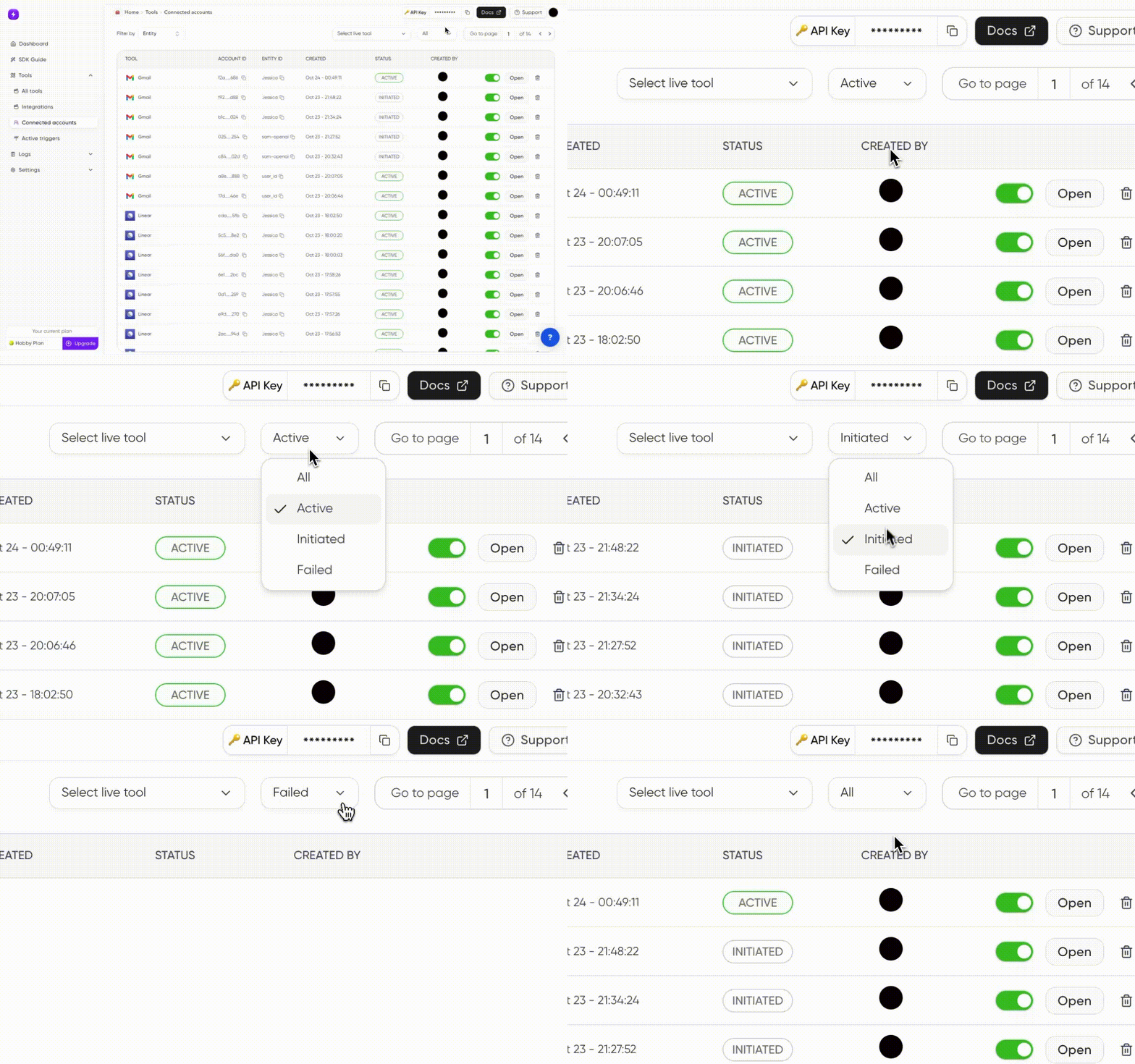
You can also see the dashboard for the connection status like this: